Updates from May, 2009 Toggle Comment Threads | Keyboard Shortcuts

  • Unknown's avatar

    Yury Gitman 7:10 pm on May 4, 2009 Permalink | Reply  

    :::RBBB – Really Bare Bones Board – Freeduino – Arduino-Compatible::: 

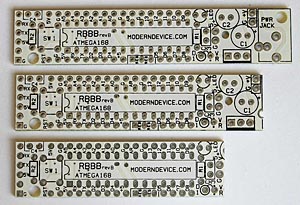
    While putting together my first MapDuino, I was wondering if there may be a less messy way  and also a visual guide to identify  where the different pins are located when  connecting all the components together and later when connecting the rest of the circuit to Mapduino. I met Zach and Nate from ITP this weekend and this is what they recommended. They just ordered some for the first time so did not  know how reliable this boards are. Though they seem they would be a great option for Lilipad and an easier way to assemble your MapDuino.

    Anyways, here is the info:

    "This is a mini board designed for those experimental applications
    that require small processors, such as wearable computing, near space
    experiments, toy prototyping, artist's projects or any use for a fairly
    small microcontroller."

    RBBBrevB_3bds_300

    they also sell kits and assembled/tested RBBBs
    here is the link:

    :::Modern Device:::

     
  • Unknown's avatar

    Yury Gitman 1:07 pm on May 4, 2009 Permalink | Reply  

    myriam – balloon girl structure 

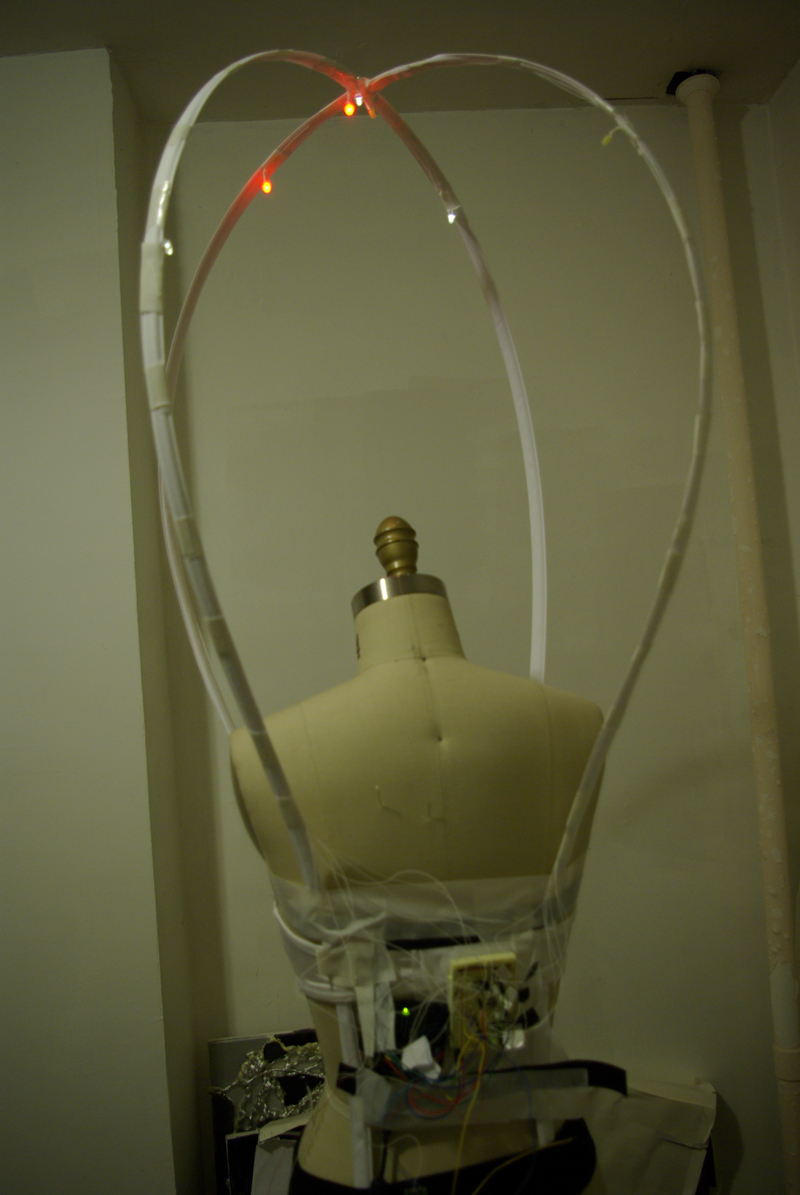
    As a visualization of the dancer while performing, I had to review the light effects for my conceptMichelle has a microphone in her mouth in the end of the performance: the warm white Leds will be fading on and off with her breathing the whole time.
    Then, when she or Zack triggers the conductive spots on her bustier, cold white or red Leds will turn on or off. Their fading will visualize the x and the y axis of the accelerometer placed on Michelle.

    I started building the structure with the help of Sah,a fashion designer.
    I decided to focus on the balloon itself and not on on the rest of the costume. I want the structure to be adaptable for other shows.
    For this first prototype, I bought a simple white bra, boning and fabric to cover the boning so that we can saw it on the bra. 

    12

    For now, I simply taped the arduino and breadboard on the back of the form. I want to test out the light and positions before programming it on the Lilypad.

    3

    4

    5

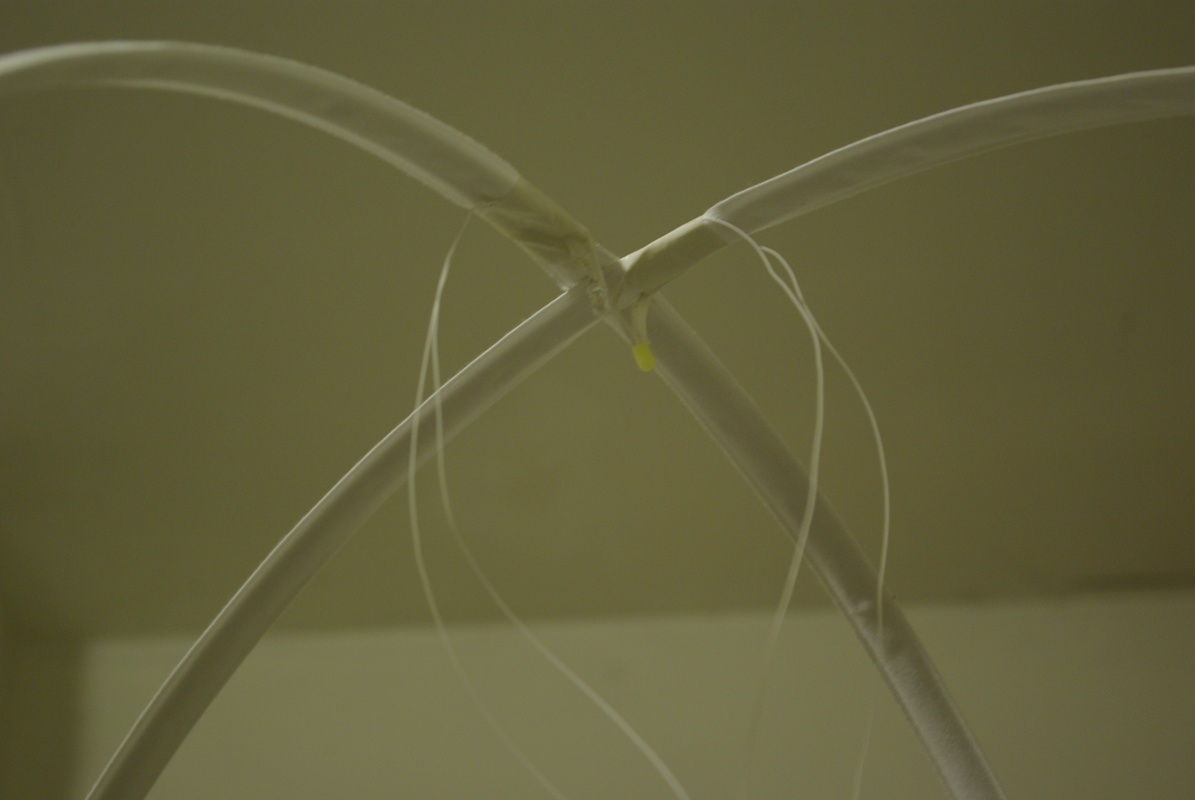
    I used white tape to integrate the Leds on the boning.

    6

    http://vimeo.com/moogaloop.swf?clip_id=4475743&server=vimeo.com&show_title=1&show_byline=1&show_portrait=0&color=&fullscreen=1

    Balloon Girl test 1 from maryam aboukhater on Vimeo.

    This is an overview of the concept. The code still needs to be improved.

    You can look at the code for now here.

    Next steps:
    – put the fabric on the structure to see the light effect.
    – if needed, add more Leds.
    – build the circuit and program on the Lilypad.
     
  • Unknown's avatar

    Yury Gitman 3:14 pm on May 1, 2009 Permalink | Reply  

    SOBeAr product sheet 

    SOBEaR_salessheet1

     
  • Unknown's avatar

    Yury Gitman 2:43 pm on May 1, 2009 Permalink | Reply  

    Latest prototype of the constellation skirt 

    Here's a view to the inside of the skirt. The conductive thread was encased in a tube of zigzag stitching for insulation purposes. The little purple pads are sewable lilypad LEDs.

    IMG_4766

    Here's a demo of the intermittent light effect created by a weak connection:

     
  • Unknown's avatar

    Yury Gitman 2:39 pm on May 1, 2009 Permalink | Reply  

    :: The Shy Turtle :: (*Final… part 1) 

    TurtleFinalWEB
     
  • Unknown's avatar

    Yury Gitman 6:59 am on May 1, 2009 Permalink | Reply  

    Morning Monster — AHHHH!! 

    Summary: The Morning Monster is a plush electronic alarm clock. He has all of the normal alarm functions, set time, set alarm, snooze, etc. However, what makes him a monster is his ability to shine the sun on your face when the alarm goes off by opening the blinds, unfortunately in the video, it is night time and pitch black outside. The blinds are also manually controlled my moving his left arm (our right) up and down. Don’t worry, he knows where the blinds are, so if you hold his arm in one direction, he will never over-crank the blinds. GRR–.

    http://vimeo.com/moogaloop.swf?clip_id=4539867&server=vimeo.com&show_title=1&show_byline=1&show_portrait=0&color=ff9933&fullscreen=1

    Morning Monster from Nick Hardeman on Vimeo.

    Breakdown: The clock hour and minute are set by pressing his top teeth, while the alarm hour and minute are set by pressing his bottom teeth. The alarm is activated by pressing his nose (I have to sew a white X on). There is functionality for the snooze and it works by giving the sleepy head 15 more minutes of bliss, but I have not added the capacitance touch to activate it yet, its wired inside and the code is functional.

    He controls the blinds with a flex sensor in his left arm (your right). Moving it up or down opens and closes the blinds. He keeps track of the blinds so that they will not be over-cranked and so he knows how far to rotate to open them. So no matter where you open the blinds manually, by moving his arm, when the alarm goes off, he will open them to the correct position.

    He talks with the blinds via wireless communication through an RF transmitter and receiver with a protocol that I wrote. He has an antenna inside him and the range is good, even through the material. There is a receiver in the little black box in the window, with a blue antenna that translates the signal and activates the blinds.

    The monster and the blinds are powered by plugging into the wall, that is what those little white wires in front of the blinds are in the video.

    A piezo speaker makes an alarm clock sound when it goes off, but somehow there is no sound in the video, so you can’t hear me either.

    The black box that controls the blinds houses a 12V stepper motor, driven by a h-bridge motor driver, a wireless receiver and of course, a MAPDUINO. I breadboarded all of this project for time and sanity sake. The stepper motor sits in a cradle created by two i-hooks so that it can move accordingly and can adjust to many angles when installing this puppy.

    One Page Sheet

    http://www.flickr.com/apps/slideshow/show.swf?v=71649

     
c
Compose new post
j
Next post/Next comment
k
Previous post/Previous comment
r
Reply
e
Edit
o
Show/Hide comments
t
Go to top
l
Go to login
h
Show/Hide help
shift + esc
Cancel