Recent Updates Page 53 Toggle Comment Threads | Keyboard Shortcuts

  • Unknown's avatar

    catherine 9:19 pm on March 3, 2011 Permalink | Reply  

    Code for Romantic Lighting with Feedback 

    Code needed for the second part of the lesson.

    /*
     * *********ROMANTIC LIGHTING SENSOR WITH FEEDBACK********
     * detects whether your lighting is
     * setting the right mood and shows
     * you the results on the sensor module
     * USES PREVIOUSLY PAIRED XBEE ZB RADIOS
     * by Rob Faludi http://faludi.com
     */
    
    /*
    *** CONFIGURATION ***
     
     SENDER: (REMOTE SENSOR RADIO)
     ATID3456 (PAN ID)
     ATDH -> set to SH of partner radio
     ATDL  -> set to SL of partner radio
     ATJV1 -> rejoin with coordinator on startup
     ATD02  pin 0 in analog in mode with a photo resistor (don't forget the voltage divider circuit--resistor to ground is good)
     ATD14  pin 1 in digital output (default low) mode with an LED from that pin to ground
     ATIR64 sample rate 100 millisecs (hex 64)
     
     
     * THE LOCAL RADIO _MUST_ BE IN API MODE *
     
     RECEIVER: (LOCAL RADIO)
     ATID3456 (PAN ID)
     ATDH -> set to SH of partner radio
     ATDL  -> set to SL of partner radio
     
     */
    
    #define VERSION "1.02"
    
    int LED = 11;
    int debugLED = 13;
    int analogValue = 0;
    int remoteIndicator = false; // keeps track of the desired remote on/off state
    int lastRemoteIndicator = false; // record of prior remote state
    unsigned long lastSent = 0; // records last time the remote was re-set to keep it in sync
    
    
    void setup() {
      pinMode(LED,OUTPUT);
      pinMode(debugLED,OUTPUT);
      Serial.begin(9600);
    }
    
    
    void loop() {
      // make sure everything we need is in the buffer
      if (Serial.available() >= 23) {
        // look for the start byte
        if (Serial.read() == 0x7E) {
          //blink debug LED to indicate when data is received
          digitalWrite(debugLED, HIGH);
          delay(10);
          digitalWrite(debugLED, LOW);
          // read the variables that we're not using out of the buffer
          // (includes two more for the digital pin report)
          for (int i = 0; i<20; i++) {
            byte discard = Serial.read();
          }
          int analogHigh = Serial.read();
          int analogLow = Serial.read();
          analogValue =  analogLow + (analogHigh * 256);
        }
      }
    
      /*
       * The values in this section will probably
       * need to be adjusted according to your
       * photoresistor, ambient lighting and tastes.
       * For example, if you find that the darkness 
       * threshold is too dim, change the 350 value
       * to a larger number.
       */
    
      // darkness is too creepy for romance
      if (analogValue > 0 && analogValue <= 350) {
        digitalWrite(LED, LOW);
        remoteIndicator = false;
      }
      // medium light is the perfect mood for romance
      if (analogValue > 350 && analogValue <= 750) {
        digitalWrite(LED, HIGH);
        remoteIndicator = true;
      }
      // bright light kills the romantic mood
      if (analogValue > 750 && analogValue <= 1023) {
        digitalWrite(LED, LOW);
        remoteIndicator = false;
      }
    
      // set the indicator immediately when there's a state change
      if (remoteIndicator != lastRemoteIndicator) {
        if (remoteIndicator==false) setRemoteState(0x4);
        if (remoteIndicator==true) setRemoteState(0x5);
        lastRemoteIndicator = remoteIndicator;
      }
    
      // re-set the indicator occasionally in case it's out of sync
      if (millis() - lastSent > 10000 ) {
        if (remoteIndicator==false) setRemoteState(0x4);
        if (remoteIndicator==true) setRemoteState(0x5);
        lastSent = millis();
      }
    
    
    }
    
    void setRemoteState(int value) {  // pass either a 0x4 or and 0x5 to turn the pin on or off
      Serial.print(0x7E, BYTE); // start byte
      Serial.print(0x0, BYTE); // high part of length (always zero)
      Serial.print(0x10, BYTE); // low part of length (the number of bytes that follow, not including checksum)
      Serial.print(0x17, BYTE); // 0x17 is a remote AT command
      Serial.print(0x0, BYTE); // frame id set to zero for no reply
      // ID of recipient, or use 0xFFFF for broadcast
      Serial.print(00, BYTE);
      Serial.print(00, BYTE);
      Serial.print(00, BYTE);
      Serial.print(00, BYTE);
      Serial.print(00, BYTE);
      Serial.print(00, BYTE);
      Serial.print(0xFF, BYTE); // 0xFF for broadcast
      Serial.print(0xFF, BYTE); // 0xFF for broadcast
      // 16 bit of recipient or 0xFFFE if unknown
      Serial.print(0xFF, BYTE);
      Serial.print(0xFE, BYTE);
      Serial.print(0x02, BYTE); // 0x02 to apply changes immediately on remote
      // command name in ASCII characters
      Serial.print('D', BYTE);
      Serial.print('1', BYTE);
      // command data in as many bytes as needed
      Serial.print(value, BYTE);
      // checksum is all bytes after length bytes
      long sum = 0x17 + 0xFF + 0xFF + 0xFF + 0xFE + 0x02 + 'D' + '1' + value;
      Serial.print( 0xFF - ( sum & 0xFF) , BYTE ); // calculate the proper checksum
      delay(10); // safety pause to avoid overwhelming the serial port (if this function is not implemented properly)
    }


  • Unknown's avatar

    catherine 9:14 pm on March 3, 2011 Permalink | Reply  

    Code for Romantic Light Sensor base station 

    PART ONE OF LESSON. COPY & PASTE THIS INTO ARDUINO FIRST.

    /*
     * *********ROMANTICLIGHTING SENSOR ********
     * detects whether your lighting is
     * setting the right mood
     * USES PREVIOUSLY PAIRED XBEE ZB RADIOS
     * by Rob Faludi http://faludi.com
     */
    
    /*
    *** CONFIGURATION ***
     
     SENDER: (REMOTE SENSOR RADIO)
     ATID3456 (PAN ID)
     ATDH -> set to SH of partner radio
     ATDL  -> set to SL of partner radio
     ATJV1 -> rejoin with coordinator on startup
     ATD02  pin 0 in analog in mode
     ATIR64 sample rate 100 millisecs (hex 64)
     
     
     * THE LOCAL RADIO _MUST_ BE IN API MODE *
     
     RECEIVER: (LOCAL RADIO)
     ATID3456 (PAN ID)
     ATDH -> set to SH of partner radio
     ATDL  -> set to SL of partner radio
     
     */
    
    #define VERSION "1.02"
    
    int LED = 11;
    int debugLED = 13;
    int analogValue = 0;
    
    
    void setup() {
      pinMode(LED,OUTPUT);
      pinMode(debugLED,OUTPUT);
      Serial.begin(9600);
    }
    
    
    void loop() {
      // make sure everything we need is in the buffer
      if (Serial.available() >= 21) {
        // look for the start byte
        if (Serial.read() == 0x7E) {
          //blink debug LED to indicate when data is received
          digitalWrite(debugLED, HIGH);
          delay(10);
          digitalWrite(debugLED, LOW);
          // read the variables that we're not using out of the buffer
          for (int i = 0; i<18; i++) {
            byte discard = Serial.read();
          }

          int analogHigh = Serial.read();
          int analogLow = Serial.read();
          analogValue =  analogLow + (analogHigh * 256);
        }
      }
    
      /*
       * The values in this section will probably
       * need to be adjusted according to your
       * photoresistor, ambient lighting and tastes.
       * For example, if you find that the darkness 
       * threshold is too dim, change the 350 value
       * to a larger number.
       */
    
      // darkness is too creepy for romance
      if (analogValue > 0 && analogValue <= 350) {
        digitalWrite(LED, LOW);
      }
      // medium light is the perfect mood for romance
      if (analogValue > 350 && analogValue <= 750) {
        digitalWrite(LED, HIGH);
      }
      // bright light kills the romantic mood
      if (analogValue > 750 && analogValue <= 1023) {
        digitalWrite(LED, LOW);
      }
    
    }
    
     
  • Unknown's avatar

    hilalkoyuncu 9:09 pm on March 3, 2011 Permalink | Reply  

    Romantic Lighting Sensor(Exercise 1) 

    “WIRELESS NETWORKING IS NOT NEARLY AS TRICKY AS NAVIGATING ROMANCE.”~Robert Faludi

    But here is what you can do:

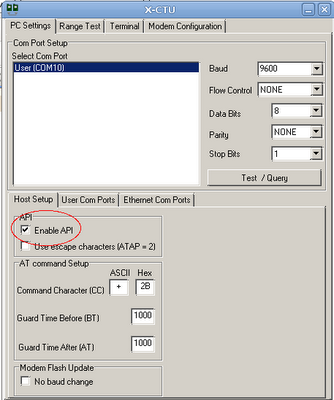
    • Set up your COORDINATOR to API mode on X-CTU:


    • Note that after setting up your coordinator firmware to API mode on X-CTU, you can only configure your PAN ID(your chosen address),  ATDH(0013a200) and ATDL(the remainder of your routers address) on X-CTU as the following:

    • Then click Write button to save changes.
    • Set up your ROUTER on Coolterm:

    +++

    ATID (Same as Coordinator ATID)

    ATDH0013a200

    ATDL ( Remainder of Coordinator’s address)

    ATJV1 ( To ensure that router attempts to rejoin the coordinator on startup.)

    ATD02 ( To put pin “0” in analog mode.)

    ATIR64 [ To set up the sample rate to 10 times/second—1000ms/10=100ms=64(hex)]

    ATWR (To save the settings.)

    • Wiring ————ROUTER:

    • Wiring ————COORDINATOR:


    PITFALLS:

    Make sure your voltage regualtor is plugged in properly. If you have the LM1086CT the pin where etched circle is located would be GROUND, the middle one would be OUTPUT and the third one would be INPUT.

    Make sure your breakboard has the RIGHT pins connected to Arduino.

    When its all done, upload the first code that Kate posted.

    If everything is correctly hooked up you will observe this:

     
  • Unknown's avatar

    Thom Hines 7:42 pm on March 3, 2011 Permalink | Reply  

    Hostile Interaction Mediator & Doorbell 

    When thinking about ways of improving on the doorbell, it was hard to come up with ways in which it’s most basic purpose could be improved. But after living in apartments for a number of years, the most interesting part isn’t what happens when the doorbell rings, but rather what happens just after.

    Our front doors literally connect the interior to the exterior, but more than that, it is the one place where people tend to allow their private, inside selves to be on display to outsiders. When living near other people, it’s hard not to hear when Mr. Johnson has ordered Chinese food for the third time this week, or that Betty has very strong opinions about Jehovah’s Witnesses, or most painfully, when a couple two doors down is having a fight.

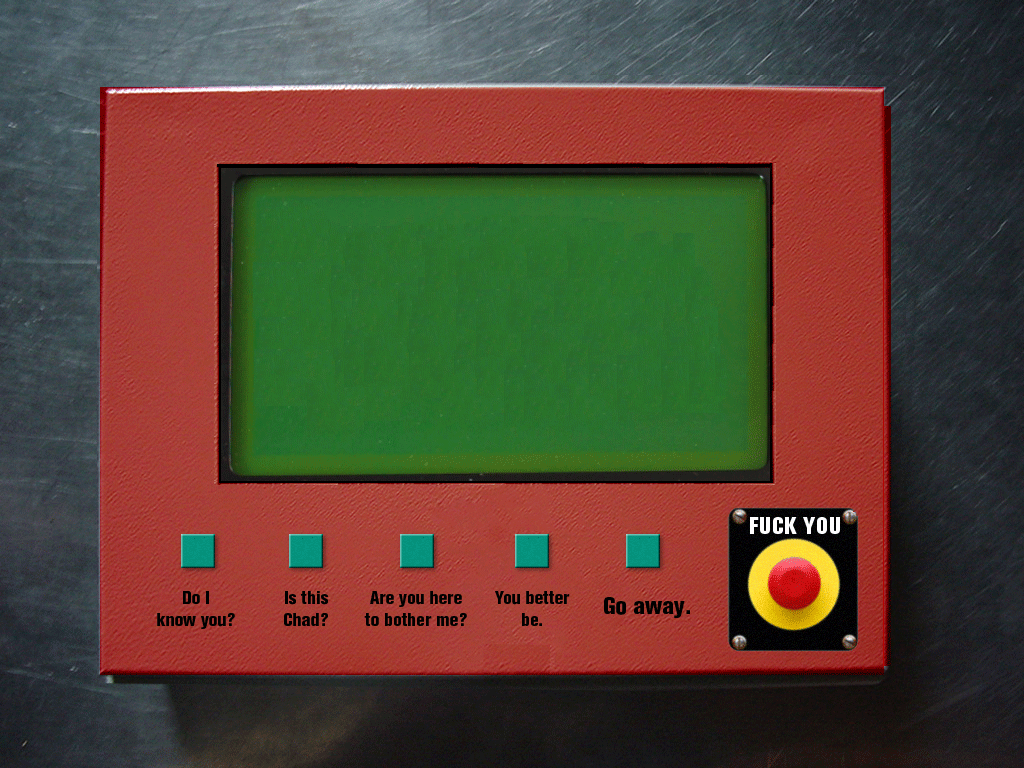
    So, in the spirit of highlighting this awkward exchange, Andy and I decided to make a doorbell that would allow two people having a fight to hash it out a bit without ever having to open the door. The device on the outside would have a standard doorbell, but also a variety of statements that would allow him/her to respond to any questions or statements by the the person on the inside.

    Hostile Interaction Mediator, Outside

    Initially we were going to give the user on the inside a keyboard to type specific questions to the person on the outside, but we were running into some serial issues and had to simplify our device to a more humorous and specific interaction. Even so, the person on the inside is in a more dominant position just by being inside already and controlling the door lock, get’s the chance to ask some pointed (albeit pre-chosen) questions of the guest.

    Hostile Interaction Mediator, Inside

    Also, the person on the inside has one extra button that the person outside does not: the FUCK YOU button. This fist-sized button will flash, in all capital letters, “Fuck You” over and over again and prevent the person on the outside from being able to send any messages back in. This implies that the conversation is over.

    The code for both of these actually sends the entire message over the XBee serial connection letter by letter. We built it this way since we were planning on sending typed messages). The code for each device is quite similar since this is a conversation and each is displaying to an LCD screen; the only difference is in the content of each message sent and that the device inside has a buzzer to indicate when somebody is at the door.

    Here is the arduino code for each:

    Internal/dominant

    External/abusee

     
  • Unknown's avatar

    Yury Gitman 4:02 am on March 1, 2011 Permalink | Reply  

    Must See Link. Wireless Sensor Networks and Emotive Robotics from PLAYSKOOL and Sesame Street. 

    http://www.toybook.com/TOY_2-11.html

     
  • Unknown's avatar

    Alvaro Soto 9:41 pm on February 28, 2011 Permalink | Reply
    Tags:   

    Arduino Setup 

    BUTTON SETUP

    BELL SETUP

     
  • Unknown's avatar

    Alvaro Soto 12:36 am on February 26, 2011 Permalink | Reply
    Tags:   

    Arduino Code for a better Ring bell 

    We will go through this process in class just make sure your breakout board is ready to go!

    CODE FOR THE BUTTON (Ring the Bell)

    /*
    doorbell basic BUTTON!!
    by Rob Faludi faluudi.com
    */
    
    #define VERSION "1.00a0"
    
    int BUTTON = 2;
    
    void setup(){
      pinMode(BUTTON, INPUT);
      Serial.begin(9600);
    }
    
    void loop(){
      //send a capital D over the serial port if the button is pressed
      if (digitalRead(BUTTON) == HIGH){
         Serial.print('D');
         delay(10); //prevents overwhelming the serial port 
      }
    }
    

    CODE FOR THE BELL (Ring my bell)

    
    *
    doorbell basic DINGY!!
    by Rob Faludi faluudi.com
    */
    
    #define VERSION "1.00a0"
    
    int BELL = 4;
    
    void setup(){
      pinMode(BELL, OUTPUT);
      Serial.begin(9600);
    }
    
    void loop(){
      //look for a capital D over the serial port and ring the bell if found
      if (Serial.available() > 0){
        if (Serial.read() == 'D') {
            //ring bell briefly
            digitalWrite(BELL, HIGH);
            delay(10);
            digitalWrite(BELL, LOW);  
          }
        }
    }


    CODE TO CONFIRM FEEDBACK (BELLS)

    
    /*
    doorbell feedback dingy!!
    by Rob Faludi faluudi.com
    */
    
    #define VERSION "1.00a0"
    
    int BELL = 4;
    
    void setup(){
      pinMode(BELL, OUTPUT);
      Serial.begin(9600);
    }
    
    void loop(){
      //look for a capital D over the serial port and ring the bell if found
      if (Serial.available() > 0){
        if (Serial.read() == 'D') {
            //send feedback that the message was received
            Serial.print('K');
            //ring bell briefly
            digitalWrite(BELL, HIGH);
            delay(10);
            digitalWrite(BELL, LOW);  
          }
        }
    }
    

    CODE TO CONFIRM FEEDBACK (BUTTONS)

    
    /*
    doorbell feedback BUTTON!!
    by Rob Faludi faluudi.com
    */
    
    #define VERSION "1.00a0"
    
    int BUTTON = 2;
    int LED    = 11;
    
    void setup(){
      pinMode (BUTTON, INPUT);
      pinMode (LED, OUTPUT);
      Serial.begin(9600);
    }
    
    void loop(){
      //send a capital D over the serial port if the button is pressed
      if (digitalRead(BUTTON) == HIGH){
         Serial.print('D');
         delay(10); //prevents overwhelming the serial port 
      }
      
      // if a capital K is received back, light the feedback LED
      if (Serial.available() > 0){
        if (Serial.read() == 'K'){
          digitalWrite(LED, HIGH);
        } 
      }
      
      // when the button is released, turn off the
      if ( digitalRead(BUTTON) == LOW){
        digitalWrite(LED, LOW);
      }
      
    }


  • Unknown's avatar

    Behnaz Babazadeh 11:23 pm on February 24, 2011 Permalink | Reply  

    XBEE WIRELESS 

    SETTING UP A WIRELESS NETWORK WITH TWO XBEES

    X-CTU

    http://www.digi.com/support/kbase/kbaseresultdetl.jsp?kb=125

    COOLTERM

    http://download.cnet.com/CoolTerm/3000-2383_4-10915190.html

    1) DOWNLOAD X-CTU ON A WINDOWS OPERATING SYSTEM

    2) MAKE SURE THAT YOUR DEVICE MANAGER RECOGNIZES YOUR USB AS A COM DRIVER

    3) OPEN X-CTU AND MAKE SURE THAT THE COM DRIVER IS VISIBLE IN THE COM PORT WINDOW

    4) SELECT MODEM CONFIGURATION

    5) IDENTIFY WHICH X-BEE WILL ACT AS A ROUTER AT AND WHICH WILL BE A COORDINATOR AT (WRITE DOWN THE LAST LINE OF NUMBERS FROM THE BACK OF EACH XBEE )

    6) NOW IN MODEM CONFIGURATION, SELECT THE APPROPRIATE SETTINGS AND CLICK ON WRITE BUTTON

    • COORDINATOR AT (XB24-ZB  |  ZIGBEE COORDINATOR AT | HIGHEST VERSION NUMBER)
    • ROUTER AT (XB24-ZB | ZIGBEE ROUTER AT | HIGHEST VERSION NUMBER)

    7) NOW MOVE INTO TERMINAL PROGRAM SUCH AS COOLTERM, IF YOUR IN WINDOWS AND USING X-CTU, YOU CAN STAY IN THERE JUST CLICK ON THE TERMINAL TAB.

    8 ) OPTIONS -> LOCAL ECHO (TOO BE ABLE TO SEE WHAT YOUR DOING)

    9) PRESS +++ … DO NOT CLICK ENTER OR DELETE AFTER, SHOULD RESPOND WITH AN OK

    10) TYPE ATID + CLICK ENTER (RESPONDS WITH 0)

    11) TYPE ATID####   (#### – IS A PAN ID OF YOUR OWN NETWORK, RANDOM (0 – FFFF)) + CLICK ENTER

    12) TYPE ATDH 0013A200 +CLICK ENTER

    13) ATDL ########(THE LAST ROW OF NUMBERS ON THE OPPOSITE XBEE)

    BEHNAZ – BABA

    LEE  – E110

    VICTOR – a36a

    ALVARO – 1911

    LEIF – 928

    THOM – 3737

    CHRIS – DDB

    SCOTT -F2D2

    MINHO -1980

    HILAL – 1297

    OYLUM – 0308

    BREE – 3233

    ANDY – AA42

    YURY – ABBA

    14) IF YOU HAVE RECEIVED AN OK AFTER EVERY ENTR, ENTER ATWR (SAVE) + ENTER

    Here is what your session will look like:

    +++OK

    atid#### OK

    atdh 0013a300 OK

    atdl(opposite xbee) OK

    atwr OK

    15) IF YOU ARE HAVING TROUBLE, YOU CAN TROUBLE SHOOT BY REFERENCING BUILDING WIRELESS SENSOR NETWORKS CHAPTERS 1+2

    GOOD LUCK!

     
  • Unknown's avatar

    Chris Piuggi 11:24 pm on February 20, 2011 Permalink | Reply  

    Salty Sandwich 

    Salty Sandwich is an old mate, whose lived in the refrigerator for too long. He’s become old and crappy, and doesn’t really want you to visit, however he does want you to return the items you take.  Upon entering the fridge users and greeted with a dissatisfactory hello, if there return is short, salty sandwich, is happy you are returning something, if it has been a long time, he does not want to see you.


    Below are some snapshots of process.

     
  • Unknown's avatar

    Chris Piuggi 11:09 pm on February 20, 2011 Permalink | Reply  

    Toy Fair 

    Overal quite an experience, crazy place and so much to see.

    Really loved the fish, I mean it was just amazing seeing how realistic it was in the air. Brilliant.


    Another great, which I’m sure drove Yury nuts was the AR drones, my inner child was all about these things and I could see myself with one of these. Great implementation of the camera and ipad/ipod/iphone. Really interesting.


    Finally i really loved this crazy kit from some random japanese company. It contains a hydro and solar cells, which you can use to power small dc motors. I would love some of these sets.


    There was lots of other really great stuff there, but most people wouldn’t let me take any photos. Oh well, still quite enjoyable.


  • Unknown's avatar

    Alvaro Soto 7:46 am on February 18, 2011 Permalink | Reply  

    Love Coach 

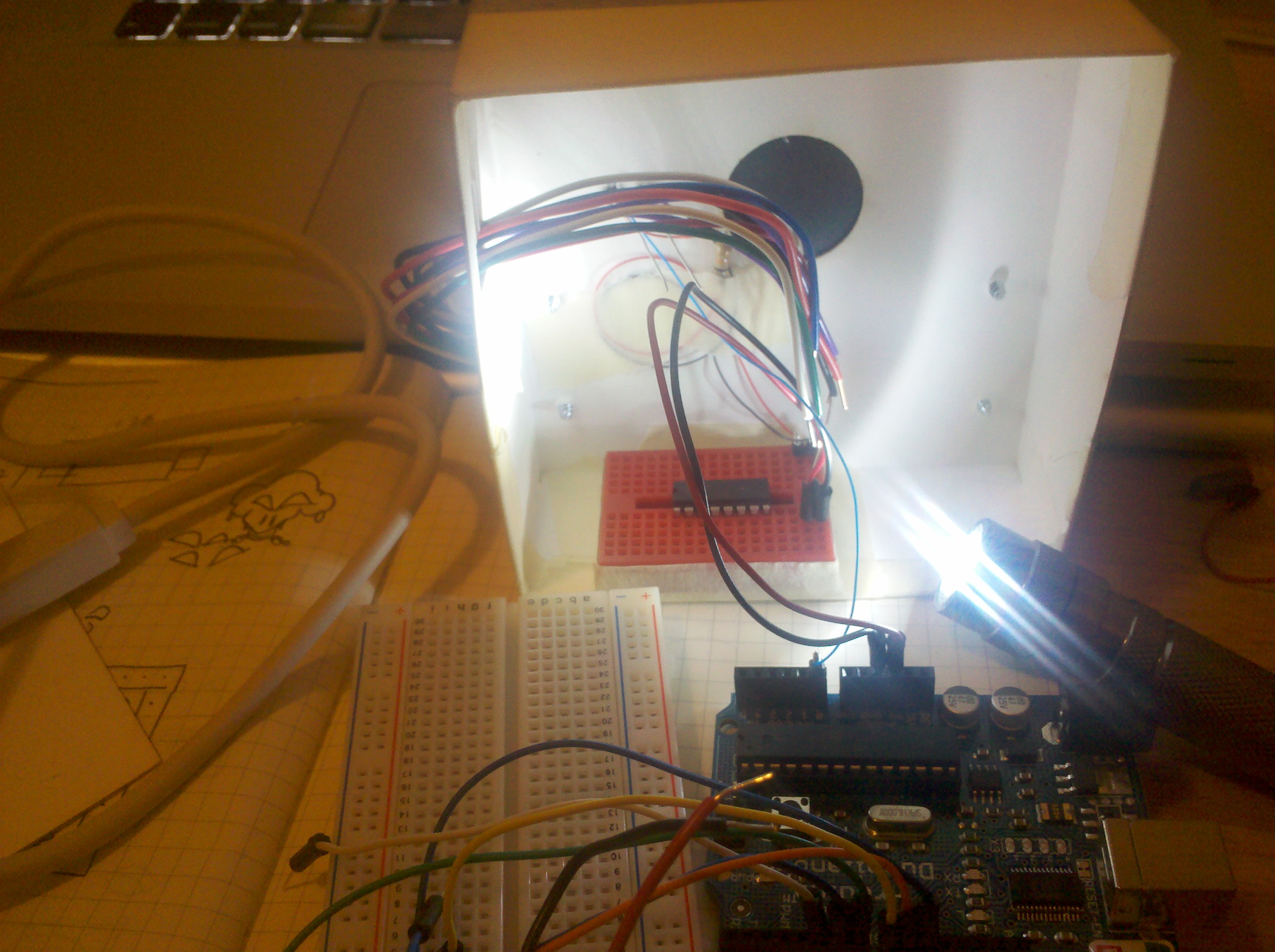
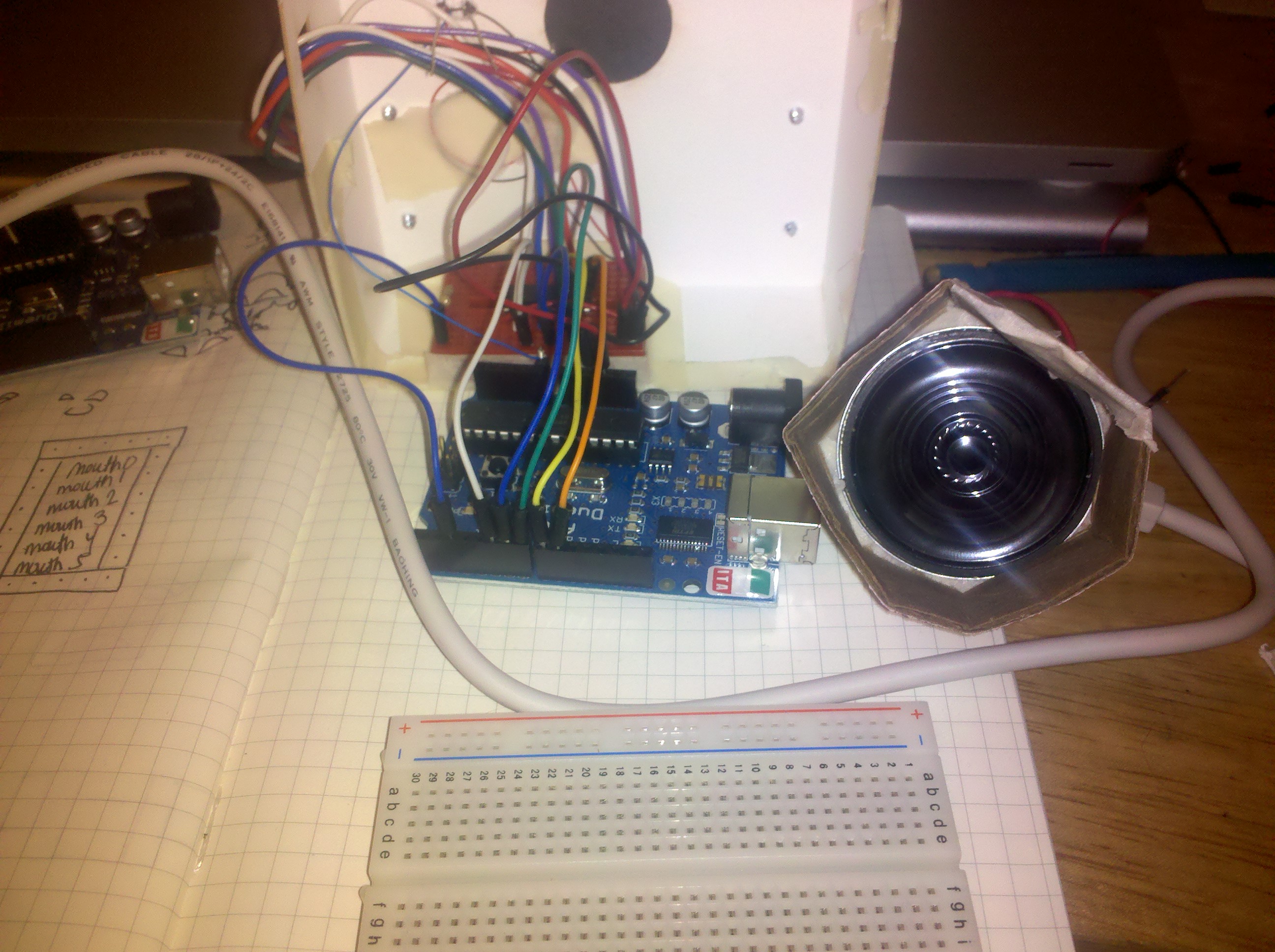
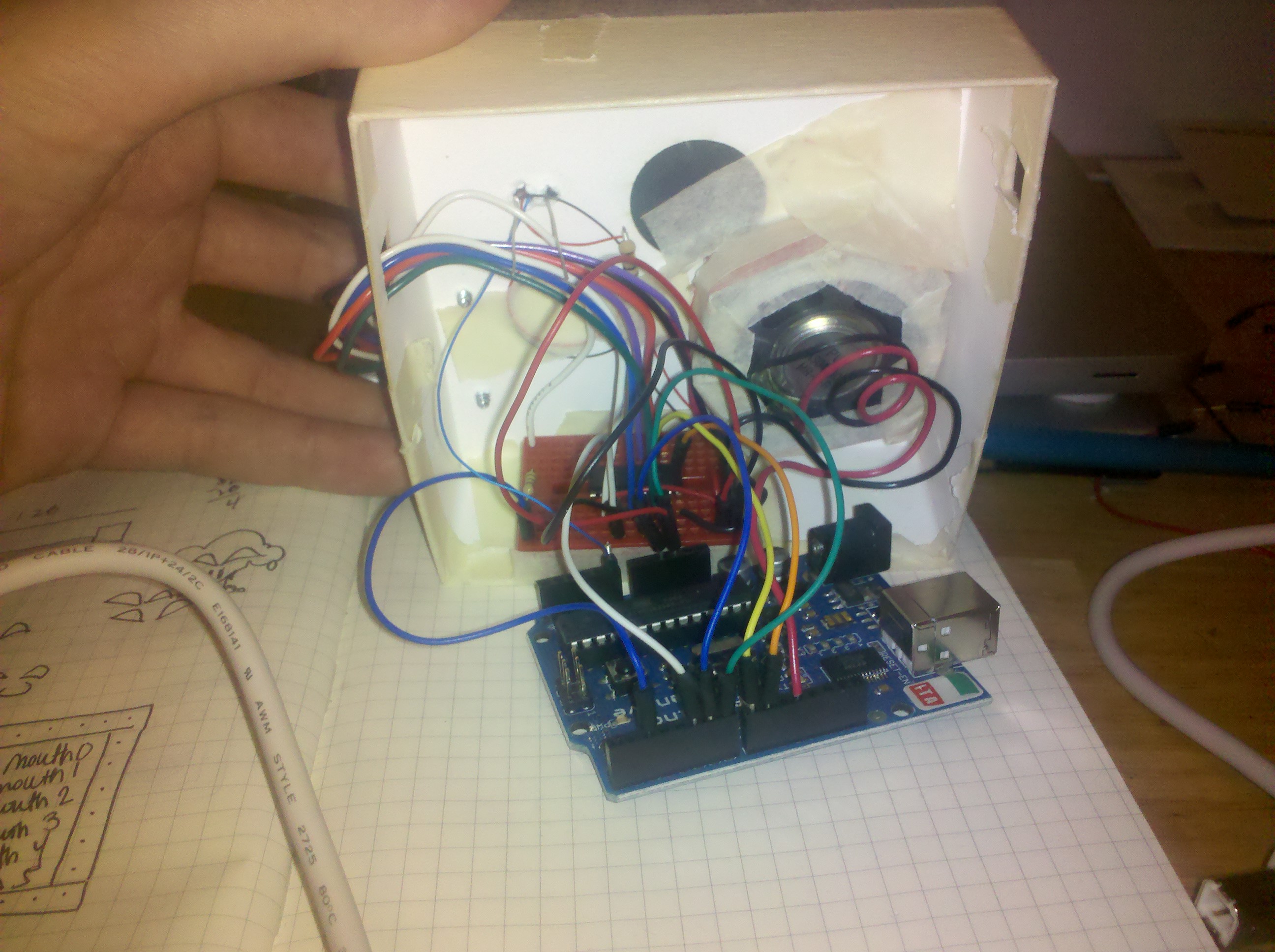
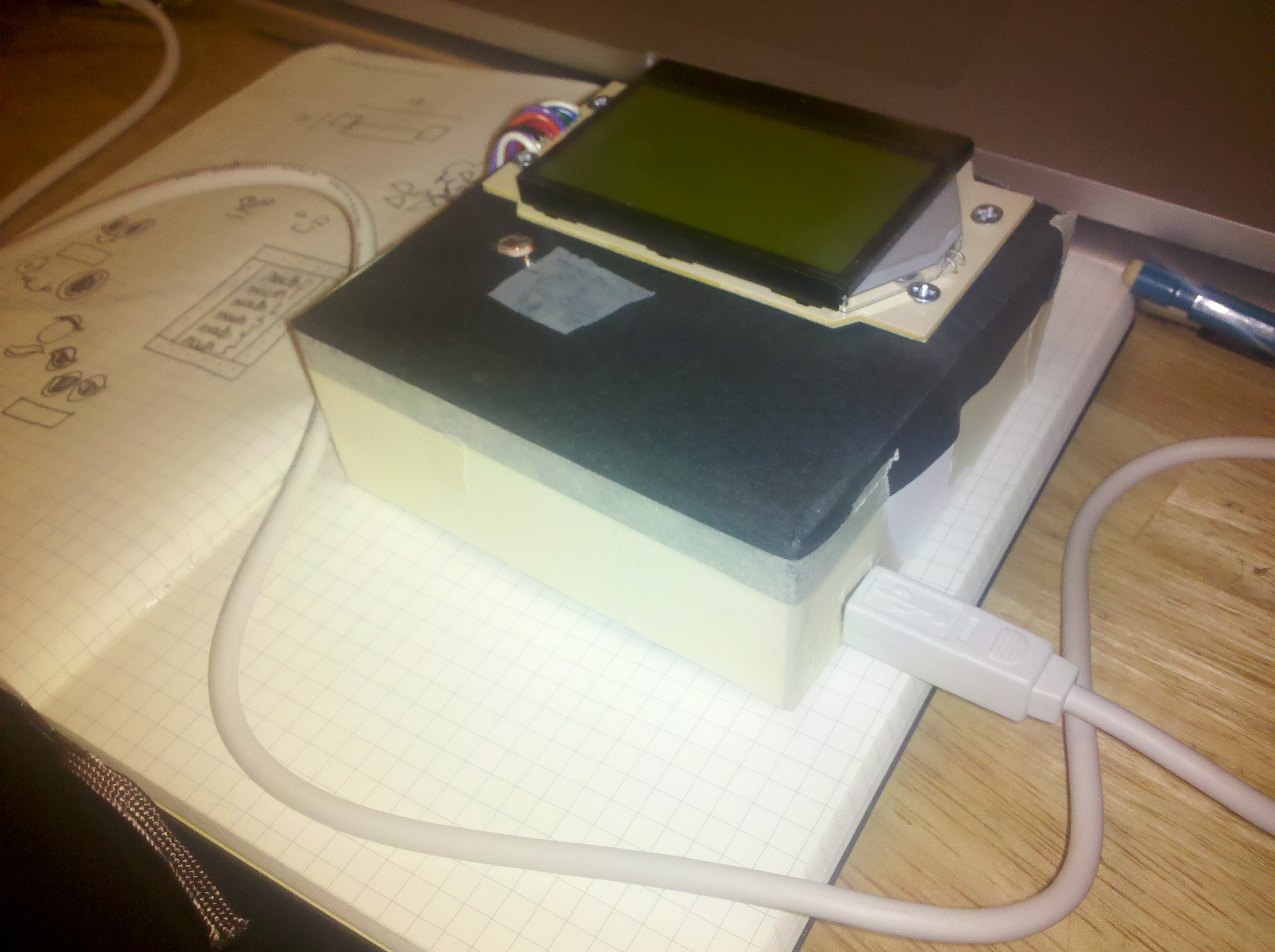
    LoveCoach is a Relationship simulator targeted for young adults and above . It mimics the balance one must have when meeting somebody and after a relationship starts. “too much of something is never good”. It reacts to a light a sensor as light is is what nurtures the relationship, and reacts with sound and messages displayed on an LCD screen.

    A video and final photos will be posted soon…

    for more  about the process of making the enclosure go to my blog

    You can download the Code here

     
  • Unknown's avatar

    hilalkoyuncu 1:51 am on February 18, 2011 Permalink | Reply  

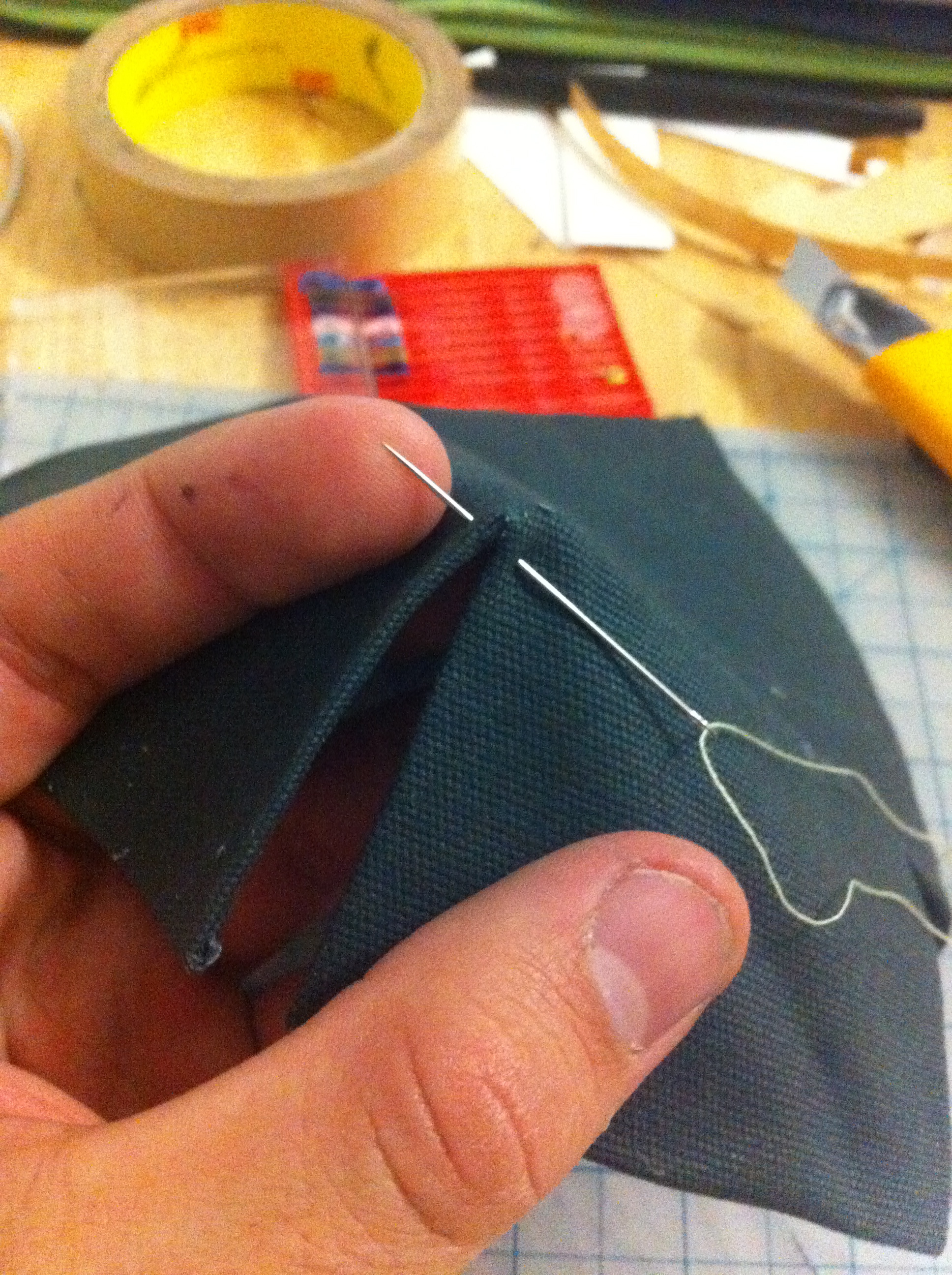
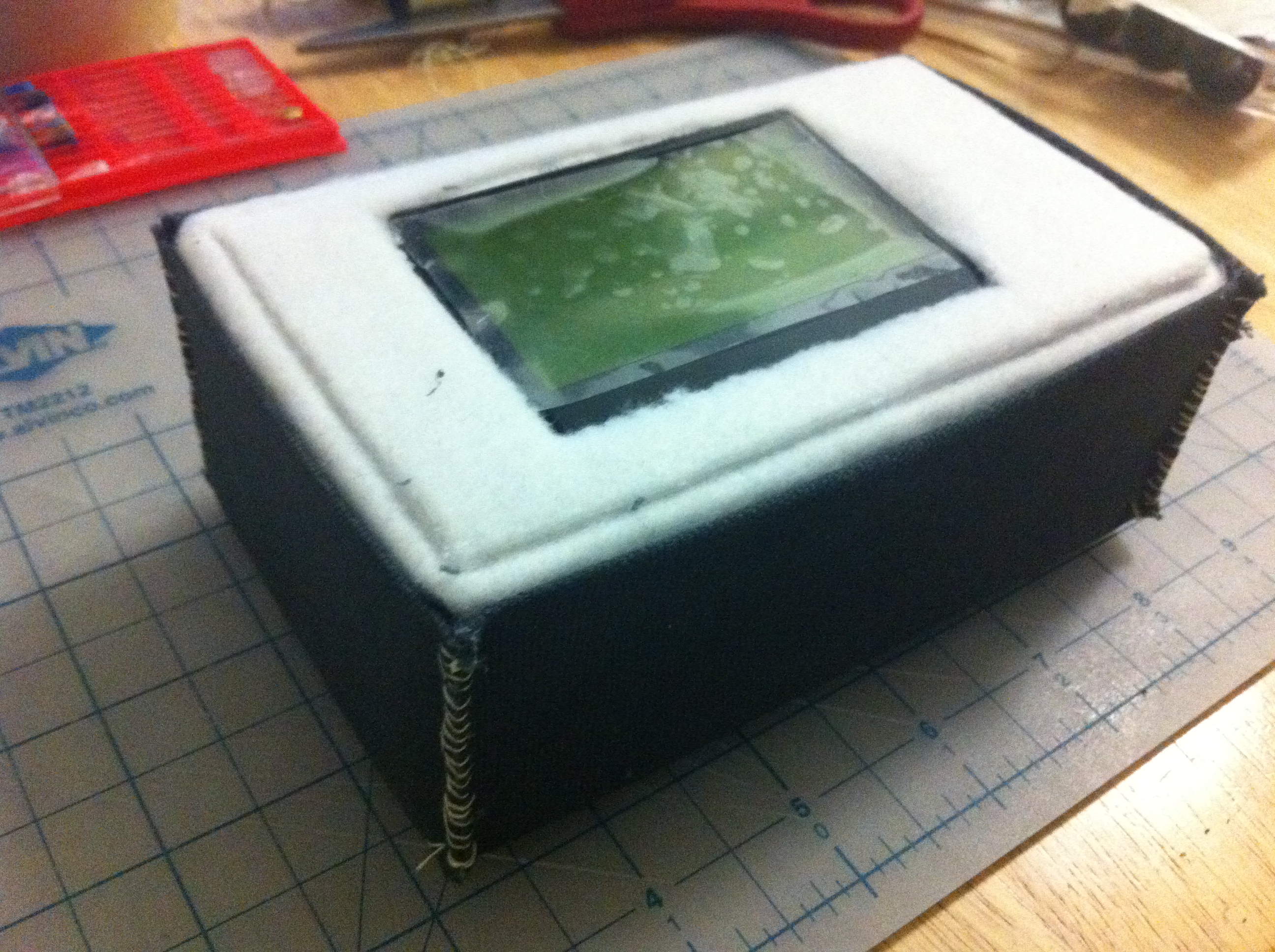
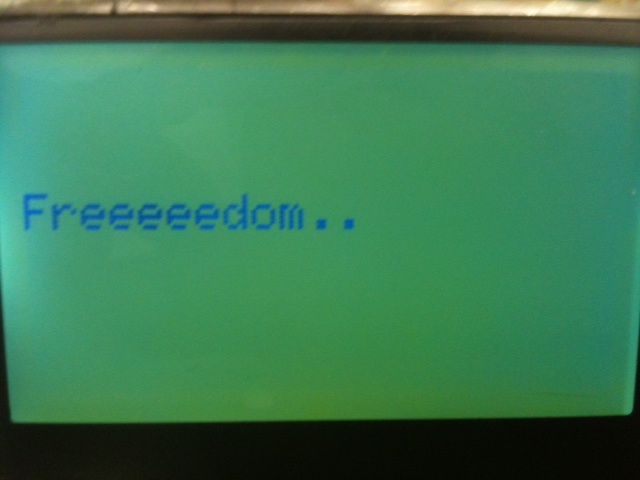
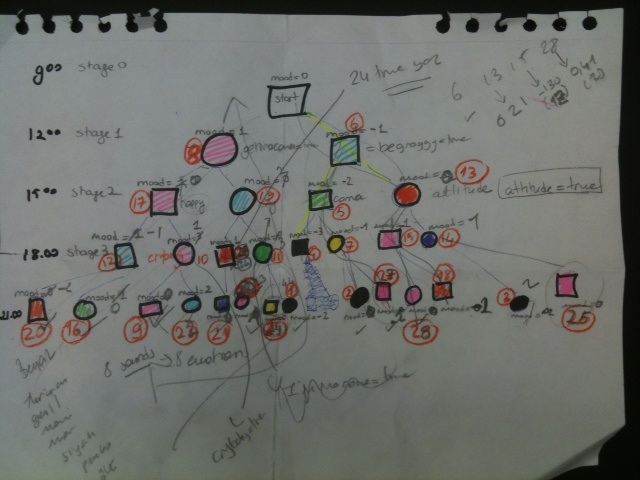
    larry-in the closet… 

    This is Larry, he lives in the closet but he wants to “come out”. He has 8 different states of emotion which would be triggered if certain(14 !!) scenarios are active.

    Larry has dementia, his memory  resets it self every 12 hours.

    He cannot stand to be out for so long because he is socially awkward. The user has to give him a balanced attention to keep him content.

    If he doesn’t get enough attention he cuts his wrists and blames the user for it.

     (More ...)
     
    • Yury Gitman's avatar

      makingtoys 3:27 am on February 18, 2011 Permalink | Reply

      code goes into “read more” section of your post. please edit the post to that format.

  • Unknown's avatar

    hilalkoyuncu 1:28 am on February 18, 2011 Permalink | Reply  

    Toy fair 

    Even though they weren’t interactive the giant microbes were interesting to me because of my educational background. In the future I would like  to create electronically interactive biological forms.This was very inspirational to me.

    I liked geolovepalz, I think it was  smart in a was to engage kids in physical activities.

    I liked mugo because, it was simple and efficient, its a usb stick where u can store data and it also is a mp3 player. Its tiny and visually appealing.


  • Unknown's avatar

    Oylum 1:22 am on February 18, 2011 Permalink | Reply  

    Toy Fair Impressions 

    Toy fair was amazing, I wish I could have spent all day there! It was so colorful and lively, I got lost among all those tiny plushy creatures.

    I have 3 top toys or maybe I can say categories:

    1. Laughing plush animals

    They are laughing and rolling over crazily when they see someone. They really cheer you up, you just wanna laugh with them.

    2. Owl Night lamp – Smart night lamps
    I saw 2 types of smart night lamps for children, which are designed to teach time through color output. Actually, I was so glad to see them because I had a project last semester with the same concept (even better – huh!). Anyway, I really like smart toys that have specific purposes.

    3. Science kits – Solar robots or toys that teaches science

    I am really interested in toys for educational purposes. These solar robot kind of toys are powered by wind or solar power and they are made of Lego. It has the power to teach physics to kids as well as mechanics, math even aesthetics.


  • Unknown's avatar

    scottpeterman 11:03 pm on February 17, 2011 Permalink | Reply  

    Magic Mirror 

    Magic Mirror can offer validation (if you need to feel good) or motivation (if you need your butt kicked). It can tell if you are close or far away and will offer comments accordingly. Also, it knows if the lights are on or off. If they are on and you are not nearby, it will alert you to turn the lights off! It uses a bitmap image based on the Magic Mirror from Disney’s Snow White, which was created on the PC using Adobe Illustrator and Bitmap Converter and then stored as an array of hex values which are converted using the ST765 LCD library.


    (More …)

     
    • Yury Gitman's avatar

      makingtoys 3:40 am on February 18, 2011 Permalink | Reply

      great concept. Great sound effects. If you 1)use a max of two words per screen & 2) make the text “face expressions” this project will transform.

      The text prompts would really be best as voice prompts. [In my view.] An iconic and graphic face with those cool sounds you have now, will make an R2D2 type experience. The user will be communicating with a mirror-bot, that has it’s quirky personality. At once and over time, the user learns to love and understand this cute little entity.

  • Unknown's avatar

    lpercifield 10:18 pm on February 17, 2011 Permalink | Reply  

    Mirror Buddy 

    Mirror buddy sits on the mirror in your bathroom and provides you with either motivation or appreciation depending on what you would like to hear. He detects how far you are away and make comments appropriately.

    Code HERE

     
  • Unknown's avatar

    lpercifield 10:13 pm on February 17, 2011 Permalink | Reply  

    Toy Fair 

    So I found the toy fair to be totally overwhelming. I might have been the cold… There were a lot of really creative ideas and a lot of things that were not so creative.

    Favorite things:

    AR-Drone

    “Swimming” fish balloons

    Science kit with fuel cell powered car

     
  • Unknown's avatar

    Oylum 10:00 pm on February 17, 2011 Permalink | Reply  

    Cigarette Box 

    The idea was to make a cigarette box for a person who wants to quit smoking. It contains the cigars in it so it detects each time you open the box to get a cigarette. Ideally, it would output how many times the box is opened, when it’s last opened (how many minutes passed since), a sad character if you open it too often, a happy character if you open it seldom. And it would play different sounds for different steps. One sound for 5th time, another more harsh one for 10th, harsher for 15 and a dying sound for 20.

    However, the code that I am using to output the the number of counter messes up all other sound codes. It happens so randomly that I couldn’t fix. Also, the smiley faces appear like blinking, I can’t clear the LCD screen after each shape because I need the counter and message to stay there.

    Now how it works: There’s a light sensor inside that detects if the box is opened or not. The LCD screen outputs the number of times the box is opened with a touchy message. It beeps each time you open the box, it beeps like an alert when you hit 5, 10, 15 times. There’s a smiley face in the beginning that welcomes, it turns into a sad face whenever you open the box and it turns into a laugh face when you do not open the box for a while. Right now, it’s 20 sec.

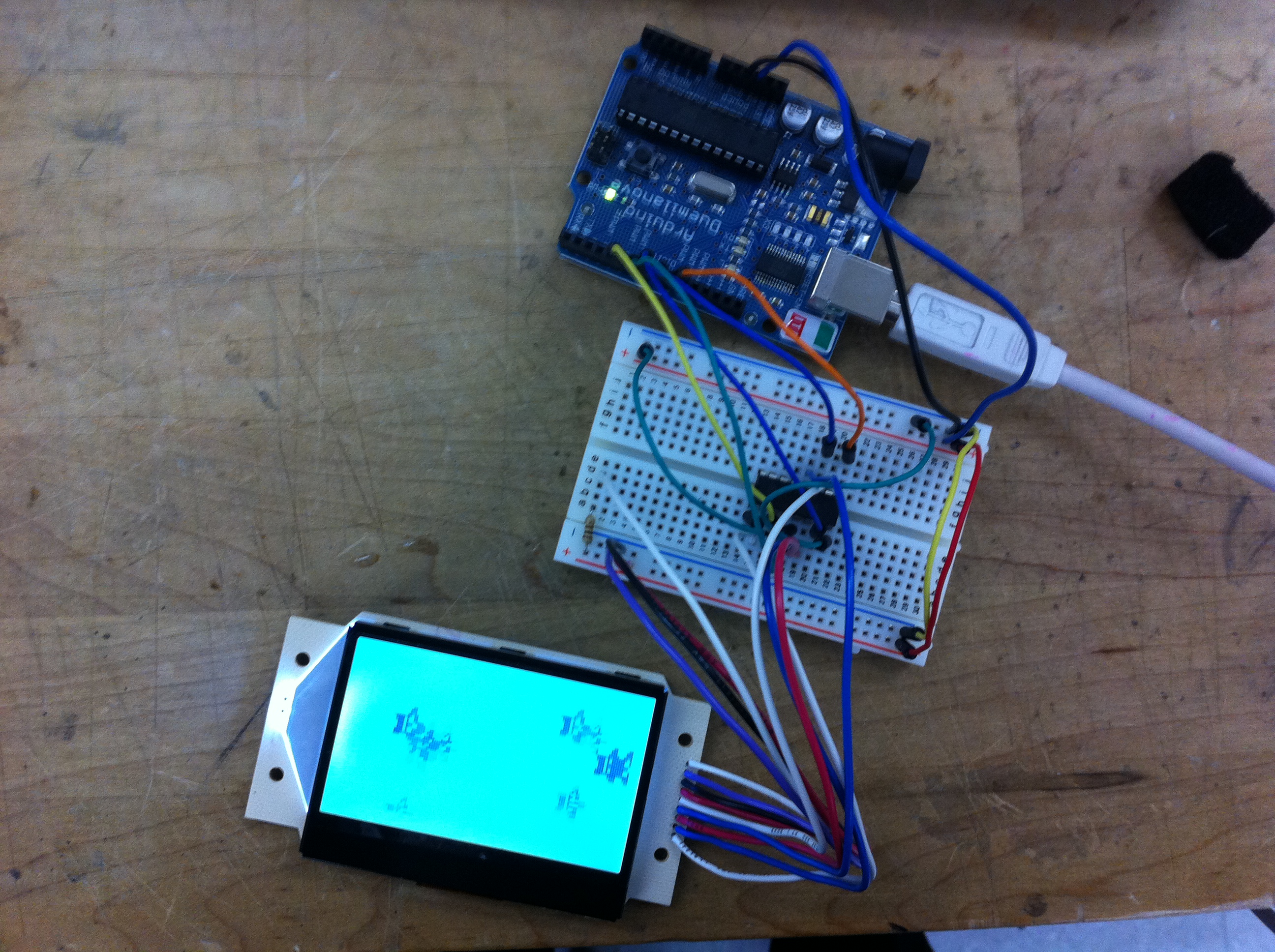
    Soldering the LCD and getting it work

    Outputting my own message on the screen

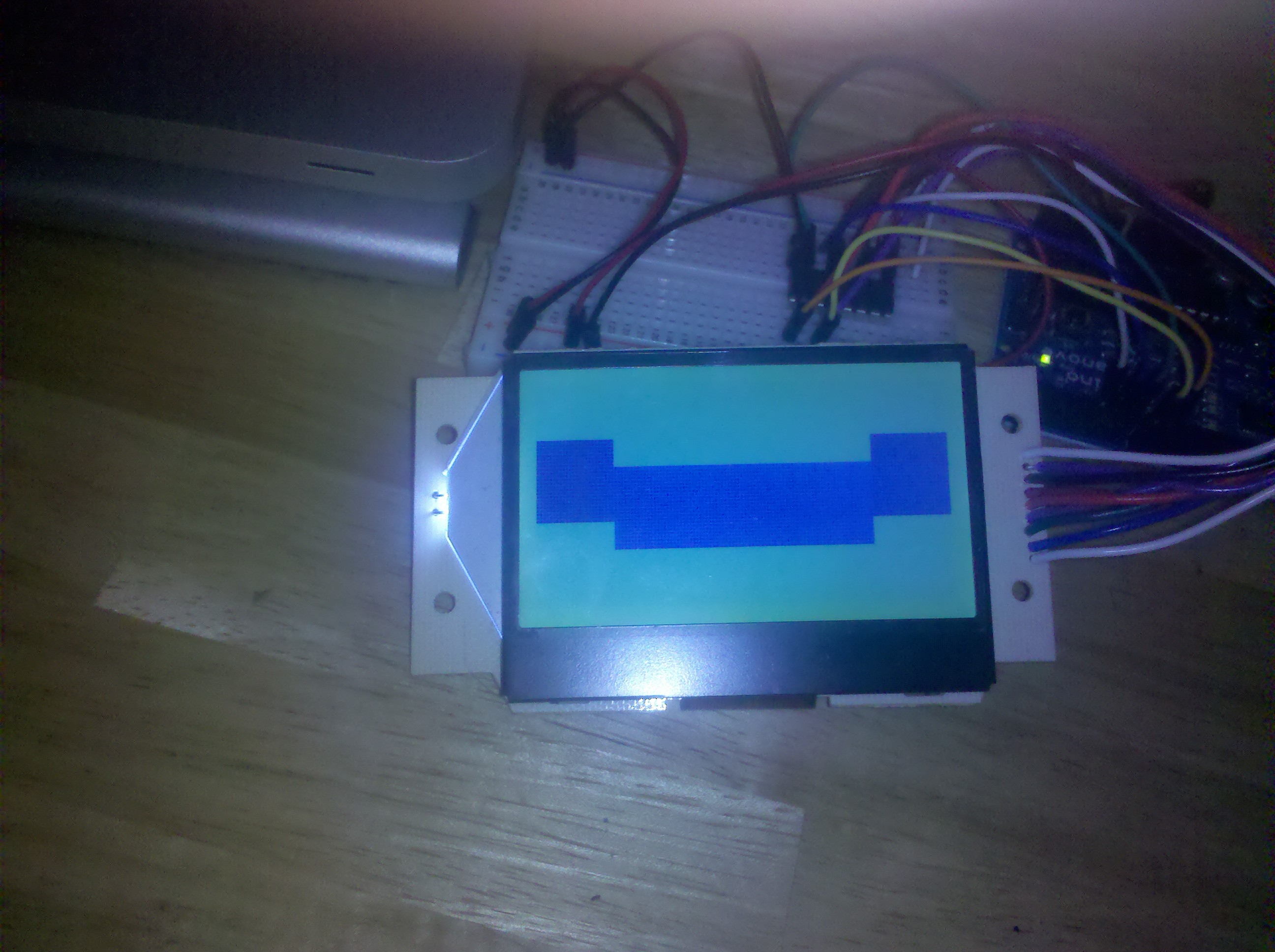
    Getting the message but not getting the graphic in the same screen

    Puff!!

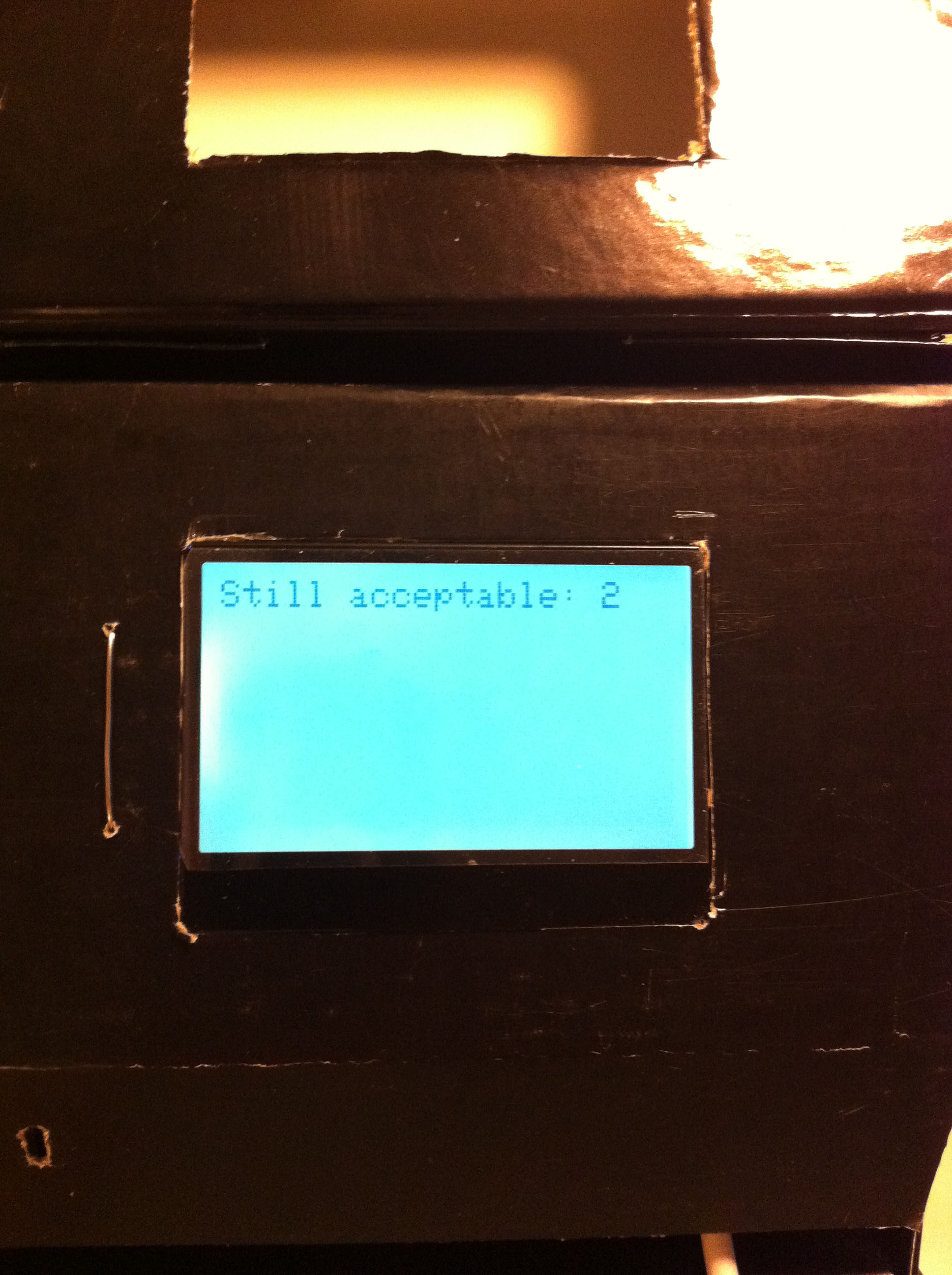
    No! It’s not acceptable!

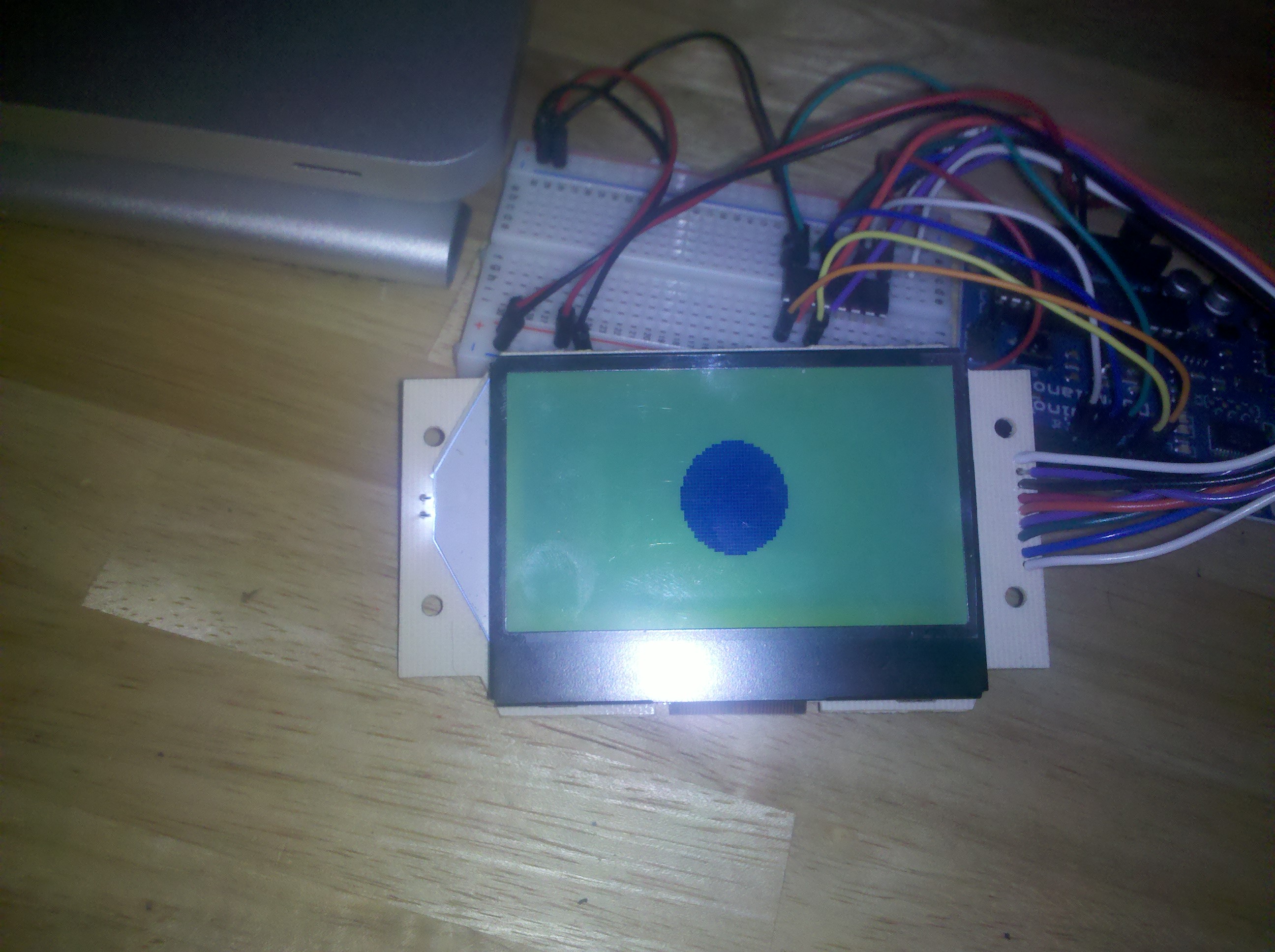
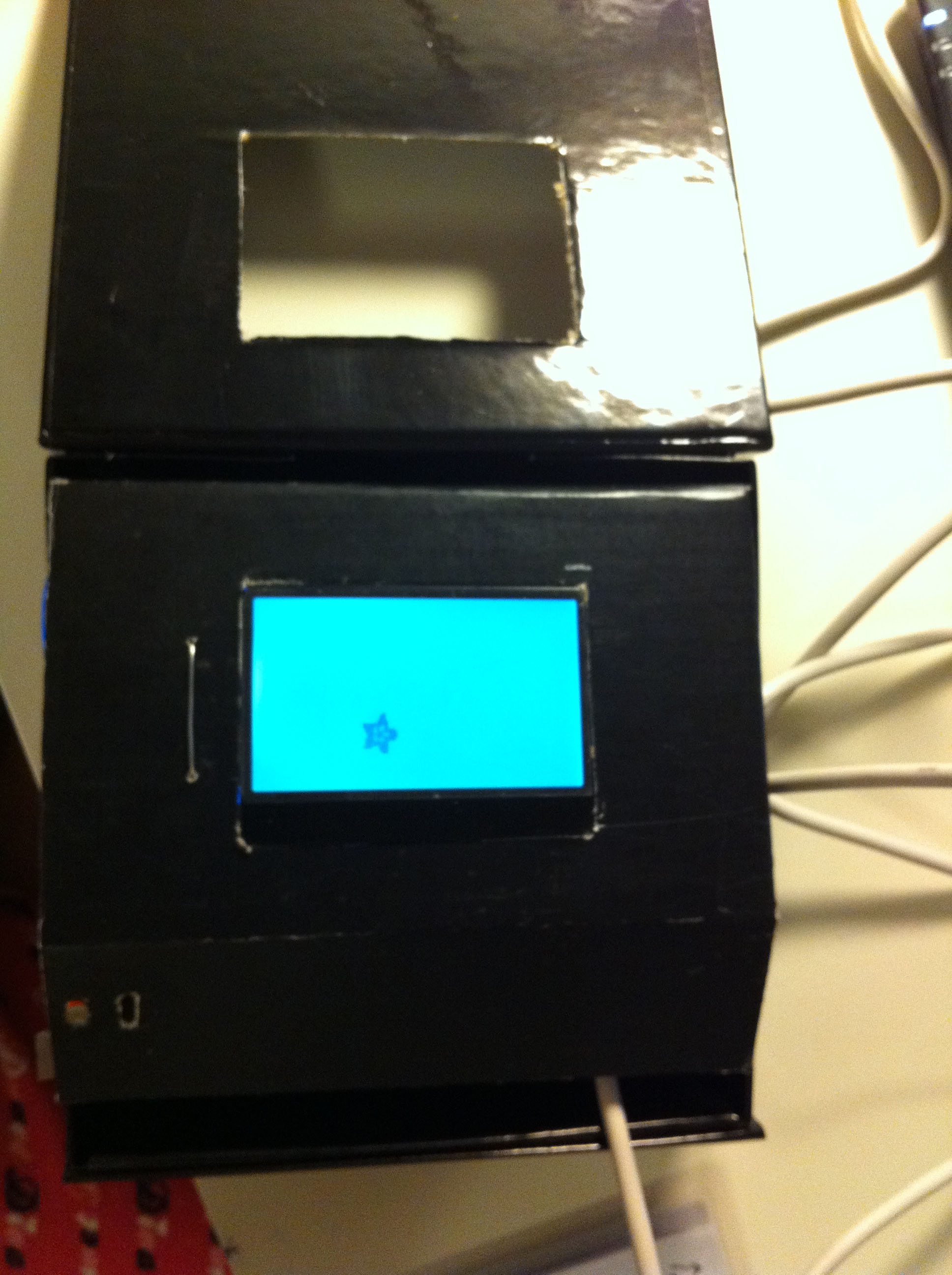
    Final look with flawed code

    At least I have the text and smiley in the same screen. Even if it’s ghost like sometimes.

    I was going to output a different message and sound each time the box is opened but couldn’t make it happen because the code that I’m using to output the integer into char is messing up the rest of my code 😦

    Here is the code.

     
c
Compose new post
j
Next post/Next comment
k
Previous post/Previous comment
r
Reply
e
Edit
o
Show/Hide comments
t
Go to top
l
Go to login
h
Show/Hide help
shift + esc
Cancel